
Stay Connected
Don't let internet interruptions stop your travel fun.. Burj has you covered with an eSIM and unlimited internet.
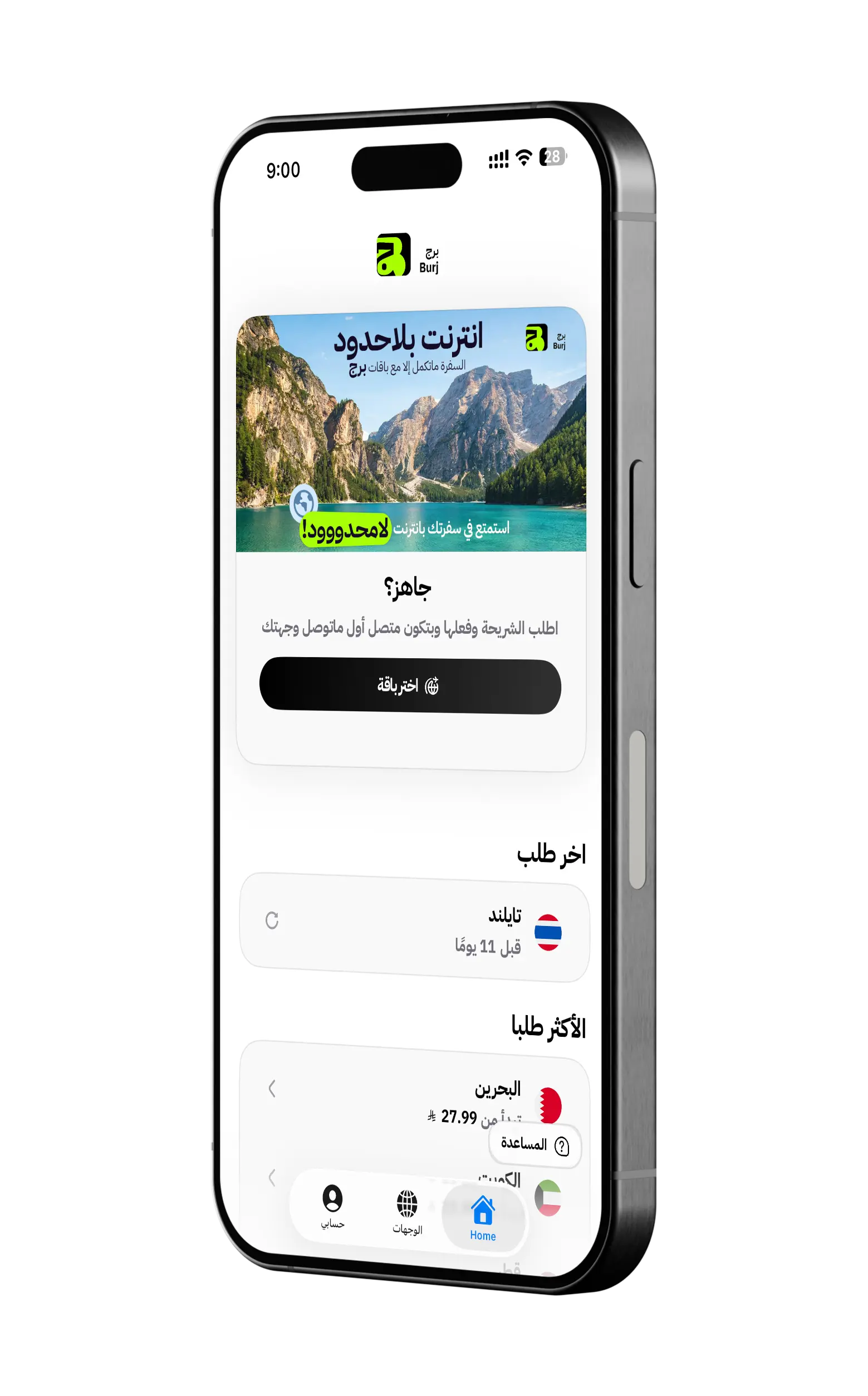
Enjoy the features designed just for you.
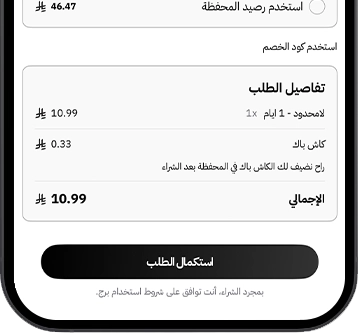
Packages suit your every need.
Discover a variety of packages designed to cater to your unique needs, offering you the freedom to stay connected anytime, anywhere, without limitations.
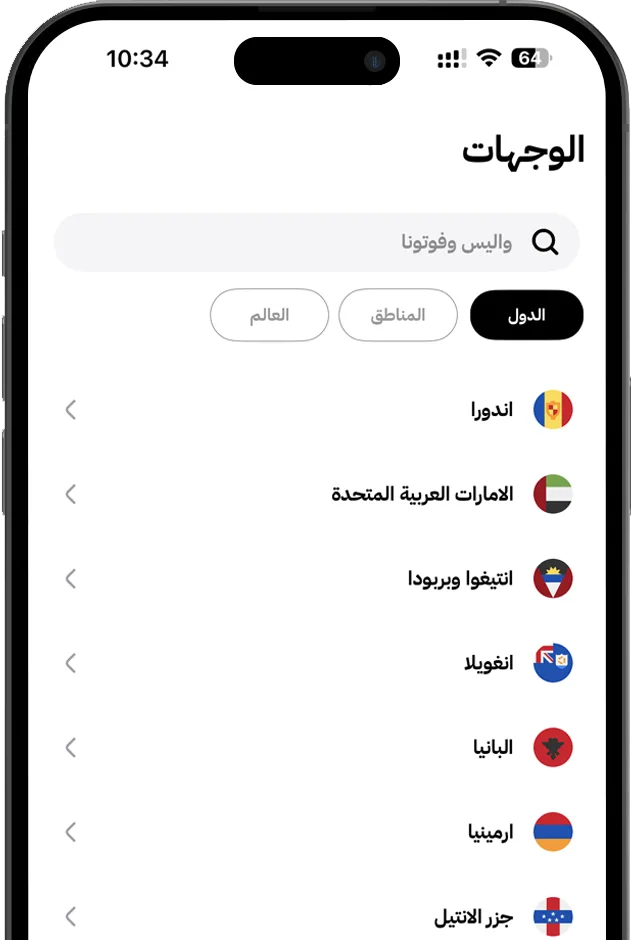
Customize your packages for your journey.
Choose from a range of flexible packages tailored to meet your needs, and customize them to perfectly suit your journey, ensuring seamless connectivity wherever you go.
LIMITLESS
Unlimited Packages
Packages come with no limits on data usage. Enjoy endless browsing and connectivity, setting us apart from the rest. With Burj, surf as much as you want, anytime, anywhere
Connect with the world.
With Burj, the world is just a tap away. Stay connected seamlessly wherever you go, with reliable Internet access that keeps you in touch with family, friends, and business—anytime, anywhere. Experience true global connectivity with ease and convenience.
Frequently Asked Questions
How do I install the eSIM?
You can install the eSIM in two ways:
- • Through the Burj app using the "Install" button.
- • By scanning the QR code for the eSIM on any device that supports eSIM technology.
Can I use the same eSIM on multiple devices?
No, the eSIM is tied to a specific device and cannot be activated on multiple devices at the same time.
Will I get a phone number with Burj's eSIM?
No, Burj's eSIM is designed specifically for internet data only, and it does not come with a phone number.
What should I do with Burj's eSIM if I don't need it anymore?
If you no longer need the eSIM, you can deactivate it or simply stop using it without any additional obligations.
How can I know how many time is left on my eSIM?
You can check your remaining time through the Burj app or by accessing the eSIM dashboard provided with your account.
What should I do if I face any issues?
You can visit the support page in the Burj app, then click on the support icon at the bottom. Our team will be more than happy to assist you and resolve your issue promptly.